
Quote builder
Build it in the time it takes to read the enquiry
Press New quote, or Quote this on an enquiry. Fill in the customer's name and email if they are not already there. Then lines: pick from your price list or type in a description, a whole-number quantity and a unit price. Add a note. Save the draft. Read it. Press Send to customer and it is in their inbox with the accept link.
Lines
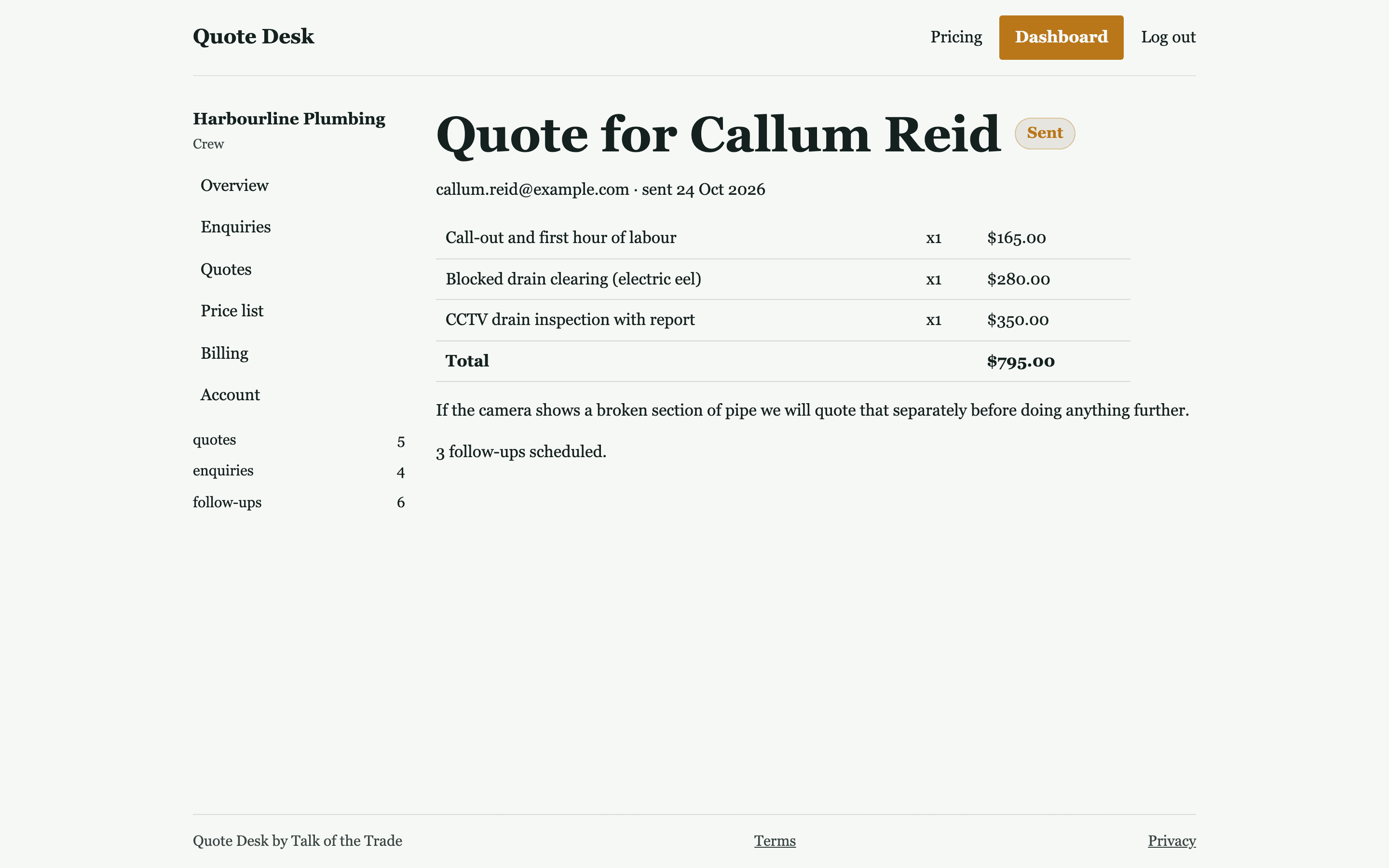
The form starts with three lines and you can add more, up to twenty. A line is a description, a quantity and a unit price. The quantity is a whole number, so quote labour by the hour or the half hour rather than 1.5 hours, and materials by the unit you buy them in. The line total and the quote total work themselves out; you never type a total.
The note to the customer
One box of free text that travels with the quote, in the email and on the accept page. This is where the conditions go: what is included, what is not, when you can start, how long the price stands, that prices include GST if they do. Keep it to the things that stop an argument later.
Draft, then send
Save draft takes you to the quote's own page, laid out the way the customer will see it. Read it there. If it is right, press Send to customer. If it is wrong, leave it in Drafts and build it again; a draft does not count against your monthly quotes and cannot be changed once saved. Only the send counts.
What the send does
One email to the customer, in your business name, listing each line and the total, your note, and the link to accept. Replies to that email come to you once you have confirmed your own email address from the welcome email. The quote moves from Drafts to Waiting on the customer and is stamped with the date it went.
- Sent once, even if you press the button twice
- A send that fails for any reason goes back to draft and is not counted
- The accept link is unique to that quote
Questions about quote builder
Can I edit a quote after I save it?
No. A saved draft is fixed. Build a new one if something is wrong; drafts are free and uncounted. This is deliberate: the quote the customer accepts is exactly the one you read before sending.
Can I put a discount on?
Yes, as a line with a price of zero or a lower price, or by pricing the lines the way you want them to read. There is no separate discount field.
Can I attach a PDF or photos?
No. The quote is the lines, the total, your note and the link. If a customer needs drawings or a specification, send those in your own email and refer to them in the note.
Does it do deposits?
No. Quote Desk gets the yes. Taking the money is yours to do the way you do it now; say the deposit terms in the note.
Related
Goes with
Price list
Your usual jobs and rates, typed in once, picked from a list every quote after.
Read moreAccept link
The customer opens one link on their phone and presses Accept or No thanks. You see it at once.
Read moreFollow-ups
Three short reminder emails at 2, 5 and 10 days, cancelled the moment the customer answers. Paid plans.
Read moreSend the next one from the ute.
Free is five quotes a month with no card. If you send more than that, Starter is $39 a month. Either way the set-up is typing in your price list.